Horse stall signs with your farm logo
Putting your logo on every sign is an easy way to make a barn’s stalls look like a set. Here are the places it can go and the ways it can print.
Where the logo goes
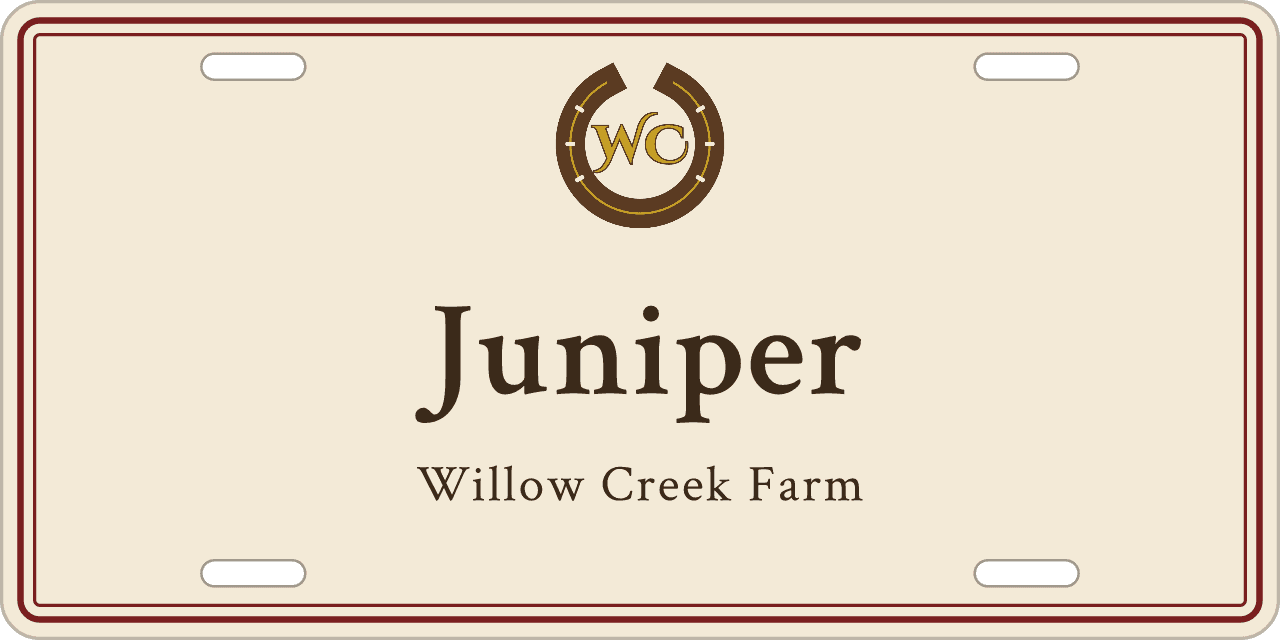
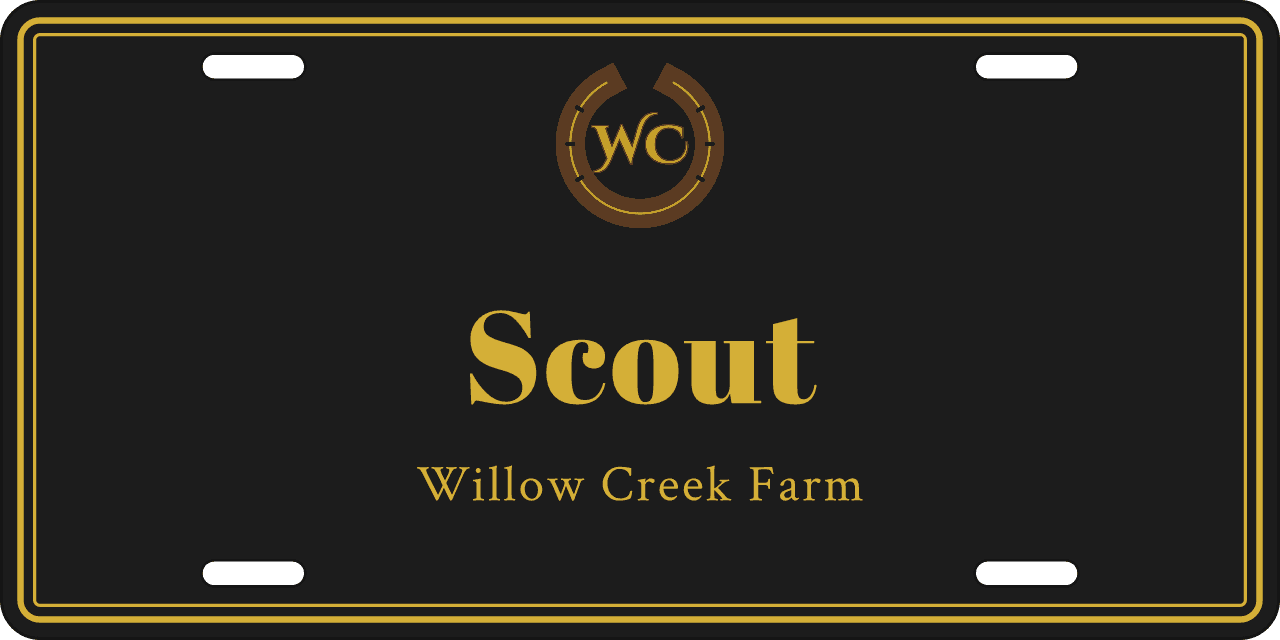
The crest layout puts the logo above the name. Corner layouts tuck it into one corner and leave the middle for the name and contact lines. On a lockup it sits right next to the name. There are also photo layouts with room for a logo, if you want your horse and your farm on the same sign.
All the logo layouts come as a 6×3″ mini too, for tack lockers and trailers.
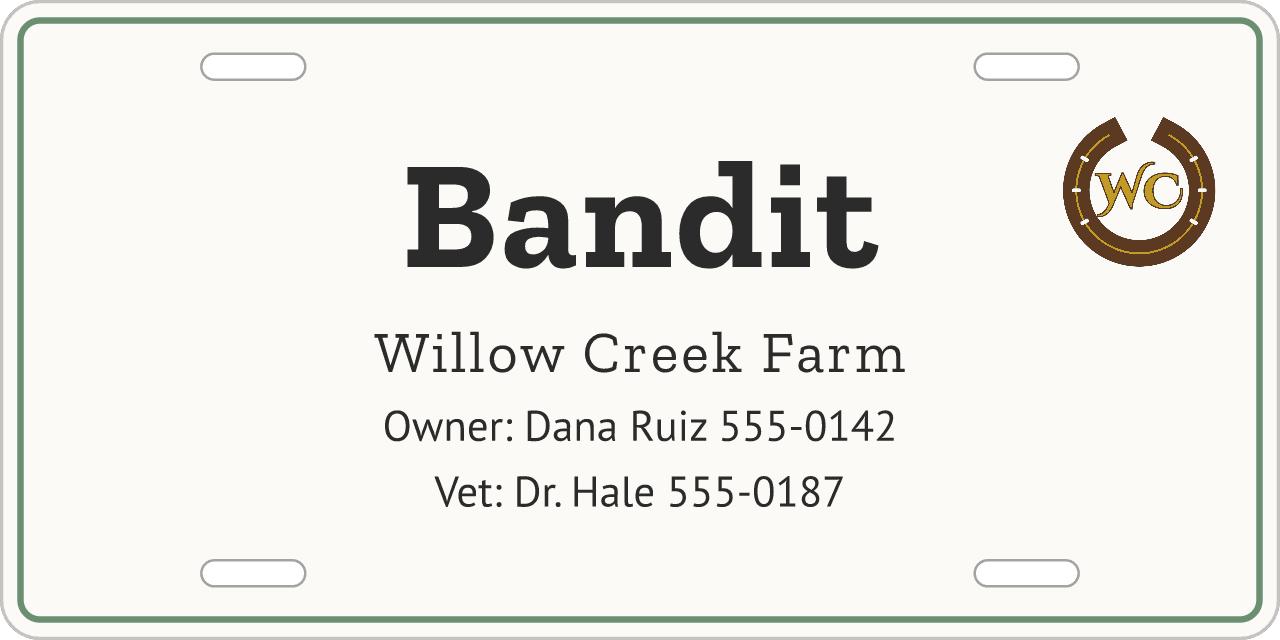
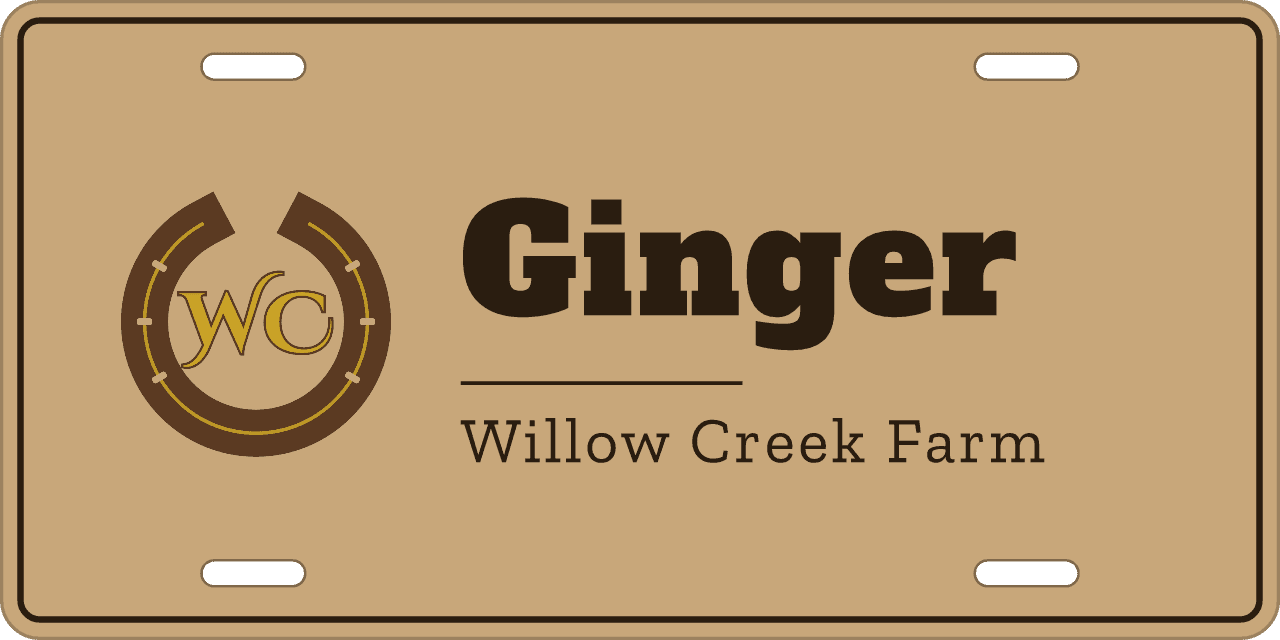
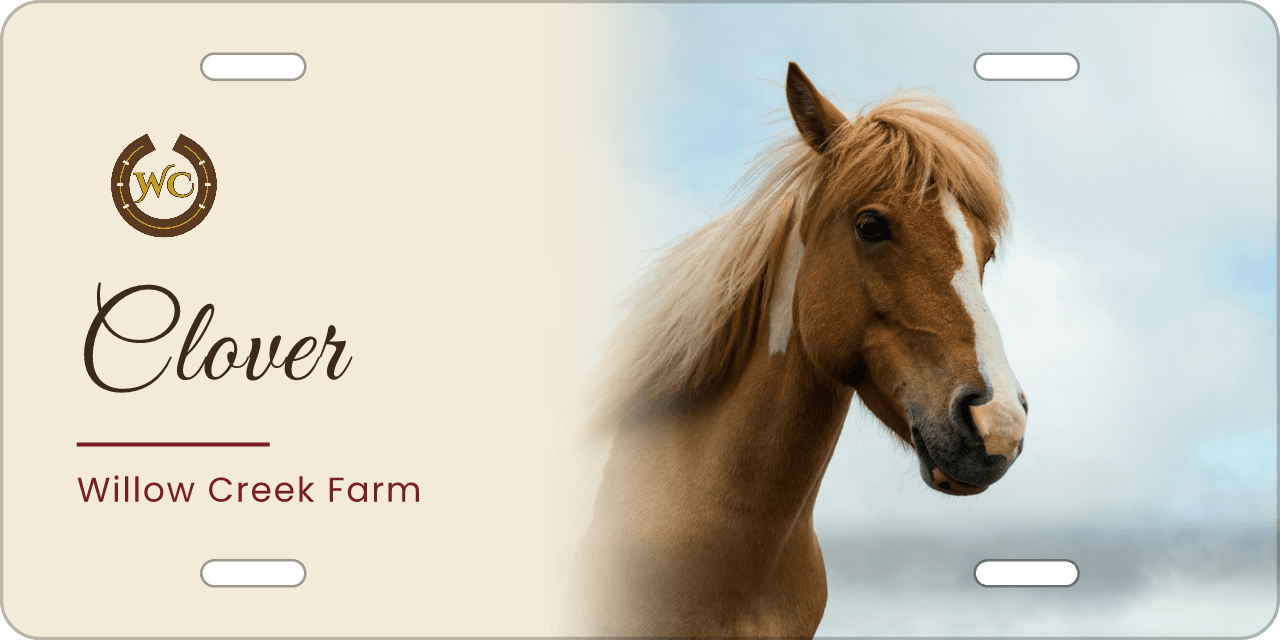
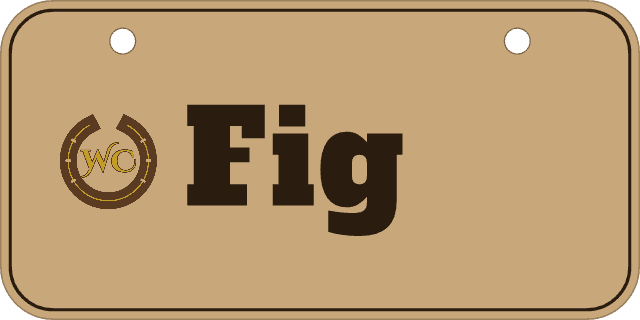
In its own colors, or in one
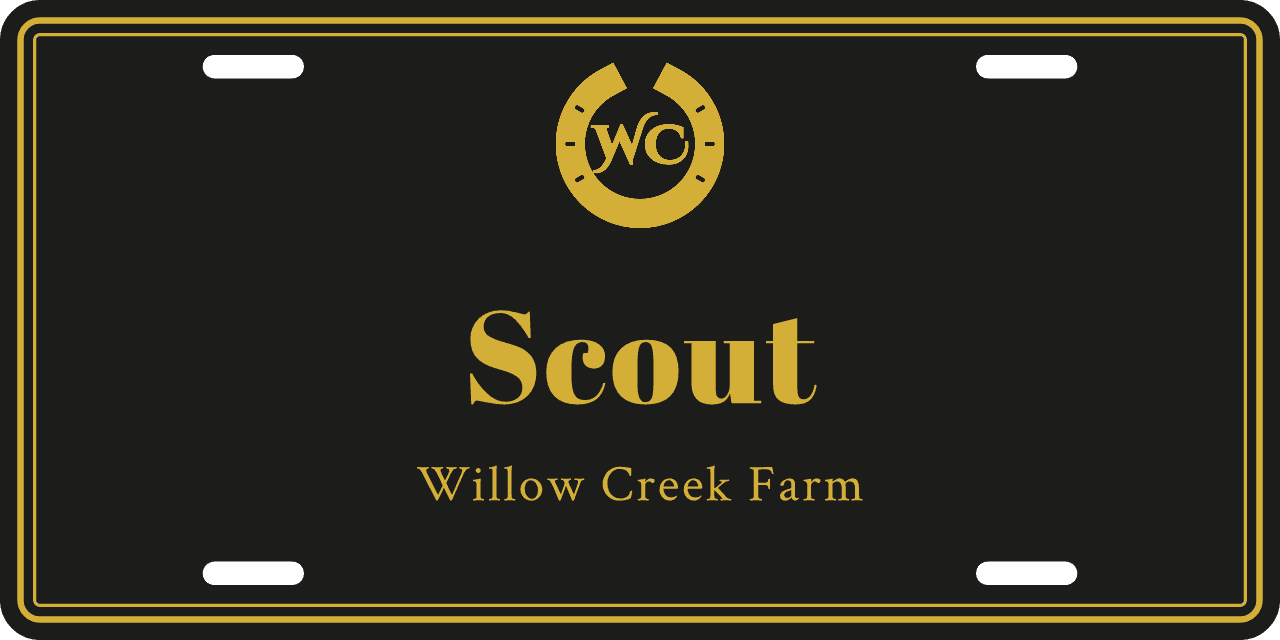
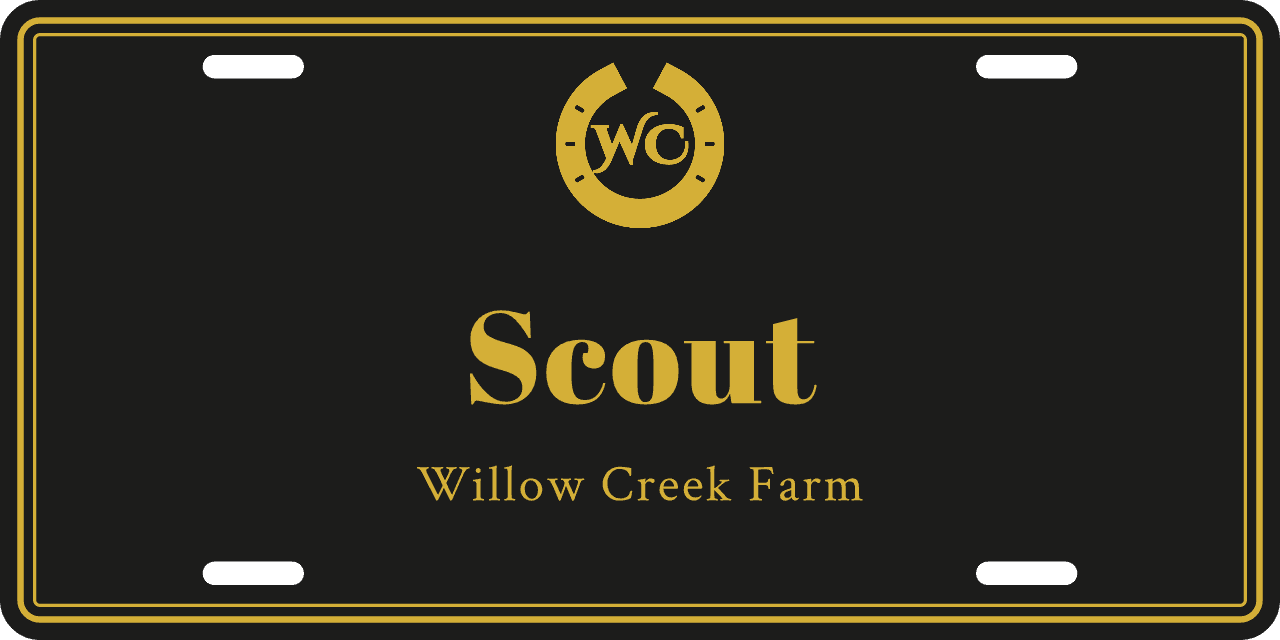
By default the logo prints exactly as you upload it. If its colors clash with the sign or get lost on a dark background, switch it to a single color. You can use the sign’s accent color, the color of the name, or any color you choose.
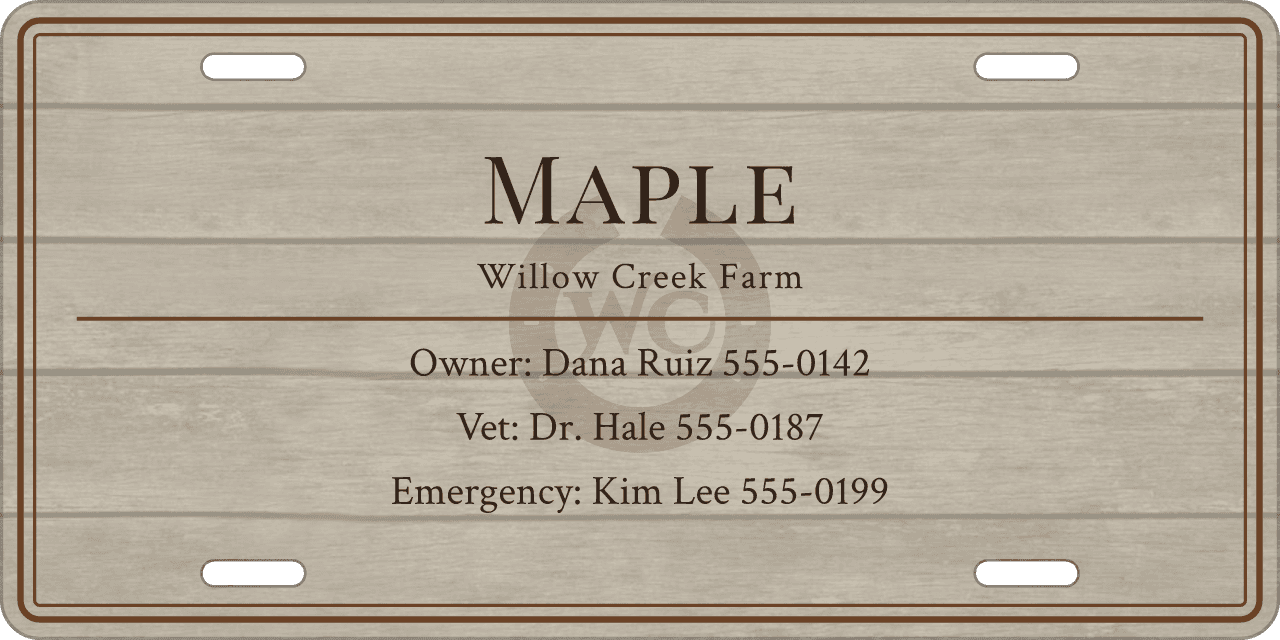
Faint behind the name
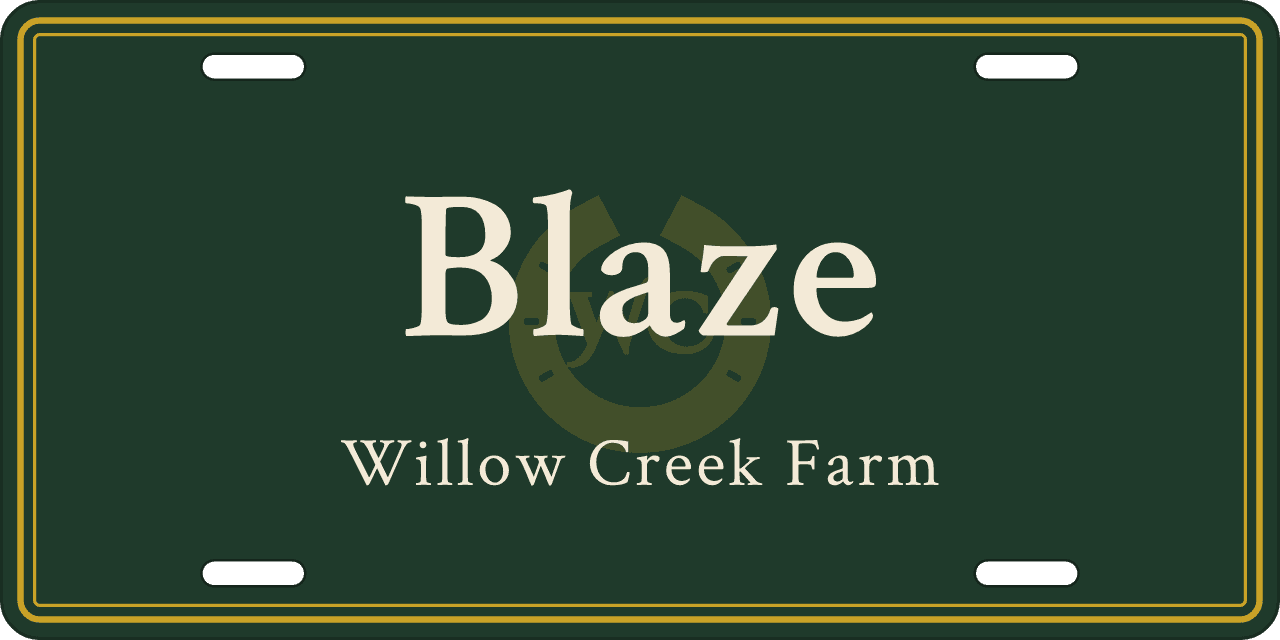
Centered layouts, name plates and info cards can also show the logo as a large, faint watermark in one color. The text on top stays easy to read. A slider sets how faint.
Getting your logo ready
- The best file is a PNG with a transparent background. Otherwise the logo prints inside a white box.
- Single-color mode needs that transparent background too. A JPEG logo set to one color prints as a solid rectangle, and the design page will warn you if that’s about to happen.
- Upload the biggest version you have. Logos saved from a website or a Facebook profile are often too small to print sharply.
- Simple logos work best. Very fine lettering inside a logo can be hard to read, especially on the mini.